When a concrete block line is interrupted, the first report often arrives as a short message: the machine stopped, the pallet did not move, or the blocks look different. Those observations matter, but a service team also needs to know which equipment is involved, what happened first, and what condition remains at the site. Without that context, the first exchange may be spent identifying the problem boundary rather than reviewing useful evidence.
A prepared technical support request connects equipment identity, event timing, alarm information, production conditions, and clearly referenced images. Its purpose is to help the responsible team understand the reported condition and decide what information or authorized inspection is needed next. A complete report can still contain uncertainty; it should distinguish observations from explanations that have not been confirmed.
This guide describes an information package for maintenance coordinators, production supervisors, and buyers responsible for a concrete block plant. It covers reporting and coordination rather than repair instructions. Machine-specific checks, isolation, restart, and any changes to equipment must follow the applicable supplier and factory procedures. The reporting process should support those procedures and keep the site's current status clear.
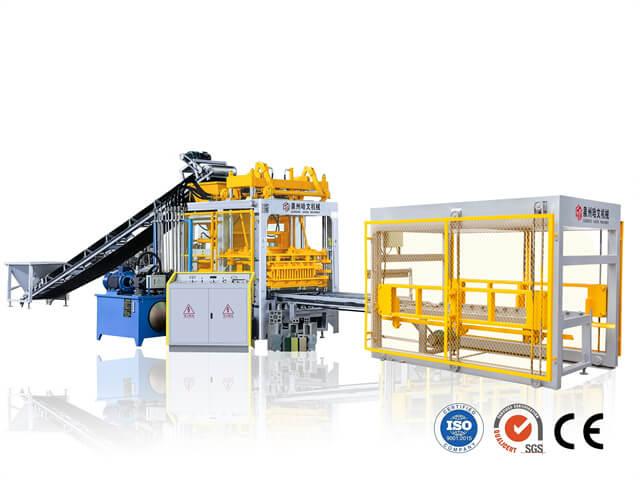
Identify the installed equipment and the affected assembly before describing the reported condition.
Identify the Machine, Product, and Affected Assembly
Start with the equipment reference available at the plant. Include the machine model, machine or project number, and relevant supply reference where these exist. If the issue involves a mixer, conveyor, pallet provider, or another separately identified assembly, record that identity as well. A general reference to the complete block plant may leave the support team uncertain about which supplied equipment needs review.
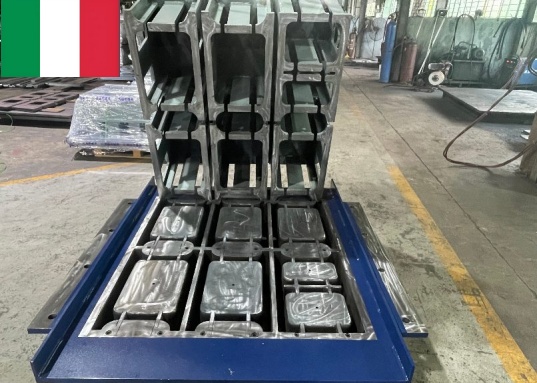
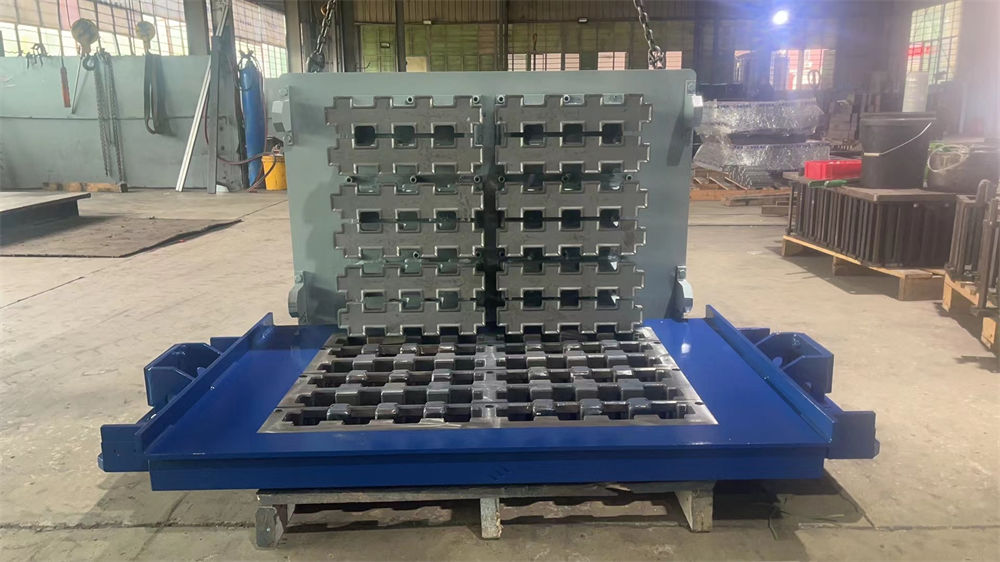
State which product was being made and identify the installed mould or tooling through the plant's normal records. Include the active recipe or setup reference when it is relevant to the enquiry. A report from a hollow-block run should remain distinguishable from a report made during a paver or kerbstone changeover. The equipment context helps the supplier select the appropriate project information.
Name one site contact who can coordinate the evidence and follow-up. That person should know which operators, maintenance staff, and quality personnel observed the event. Multiple people can contribute information, but a shared enquiry reference helps keep their messages connected. Record the preferred working language and practical contact availability if support is being coordinated across locations.
If a reference is missing or unreadable, state that clearly. Provide the available documentation and an overall equipment photograph instead of guessing an identifier. The service team can then explain which additional information is needed. An explicit missing reference is easier to resolve than a confident-looking number that belongs to another machine.
Write a Timeline of the Interruption and Recent Changes
Write the event sequence in order. Identify when the last normal operation was observed, what happened immediately before the interruption, and what the operator noticed next. Record the date and the time basis used by the site. If an HMI, camera, and handwritten record use different clocks, identify that difference instead of assuming their timestamps can be compared directly.
Describe any action already taken and its observed result. Examples of reportable actions include a permitted reset, an inspection under the site's procedure, a material replenishment, or a supplier-directed check. Keep the description factual. A line that resumed briefly and then stopped again has a different history from a line that remained stopped throughout the event.
Include relevant recent changes without claiming that they caused the issue. A product change, mould replacement, approved recipe adjustment, material delivery, maintenance job, or control-system service may provide context. Record what changed, when it changed, and the available reference. The support team can decide whether the timing suggests a useful line of enquiry.
If the condition is intermittent, describe when it has and has not appeared. Record the product, operating stage, and other observed circumstances for each occurrence where practical. Do not recreate an abnormal condition solely to obtain another example. Existing evidence and authorized observations should guide the next discussion.
Preserve Alarm Messages and Current Operating Status
Preserve the exact wording or identifier of a displayed alarm when it can be recorded under the site's procedure. A clear image of the relevant screen can retain details that a paraphrased message omits. Identify whether the image shows a current alarm, a historical entry, or a message captured during an earlier attempt to resume operation.
Keep alarm order connected with the event timeline. Several messages can appear during one interruption, and the message noticed last may not be the first recorded condition. Ask the site team to preserve the relevant sequence where the supplied control system supports it. State the limits if the system does not retain a usable history or if the record is incomplete.
Describe the current equipment status separately from the original event. The machine may be stopped, waiting for an authorized inspection, operating under an approved arrangement, or awaiting a quality decision. The support team needs the present condition to plan the next step. Avoid sending a photograph from an earlier state without explaining that the situation has changed.
An alarm label is evidence, not a completed diagnosis. Keep the displayed message in the report and distinguish it from any suspected cause. If a component has been inspected or a fault confirmed through the proper process, include the corresponding maintenance reference. Otherwise, retain the uncertainty so the next person does not mistake a suggestion for a verified finding.
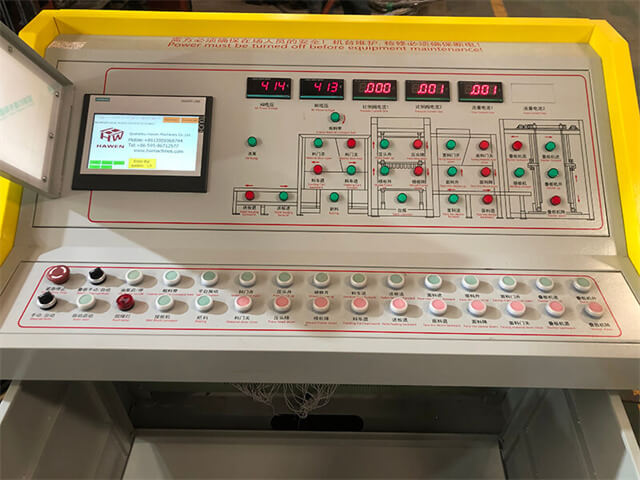
Screen and parameter information should be associated with the actual machine state and the relevant event time.
Describe the Mix, Mould, and Handling Conditions
When the enquiry concerns product appearance, filling, release, or green-product handling, include the production context needed to interpret it. Useful records can include the product code, mould identity, material recipe reference, recorded moisture correction, and the inspection stage where the condition was first noticed. Provide the information the factory actually measures rather than inventing values to complete the report.
Describe where the condition appears. It may affect one mould position, several units on a pallet, the first products after a changeover, or products observed after a particular transfer. Mark the position consistently using the plant's orientation convention. A close photograph of a damaged edge is more useful when it can be connected to the whole product, its pallet, and the point where it was inspected.
Include an appropriate comparison if the site has one. A previously accepted sample or an earlier production record can help explain what the team means by a change in appearance or dimensions. Identify its source and date. Do not present a product from an unrelated mix, tooling arrangement, or inspection stage as a like-for-like comparison.
State whether affected production is accepted, held for review, or assigned another documented disposition. Keep the lot or package references connected with that status. A service enquiry should not leave the support team guessing whether the reported products are still at the machine, in curing, stored in the yard, or already dispatched.
Capture Useful Photos and Video with Clear References
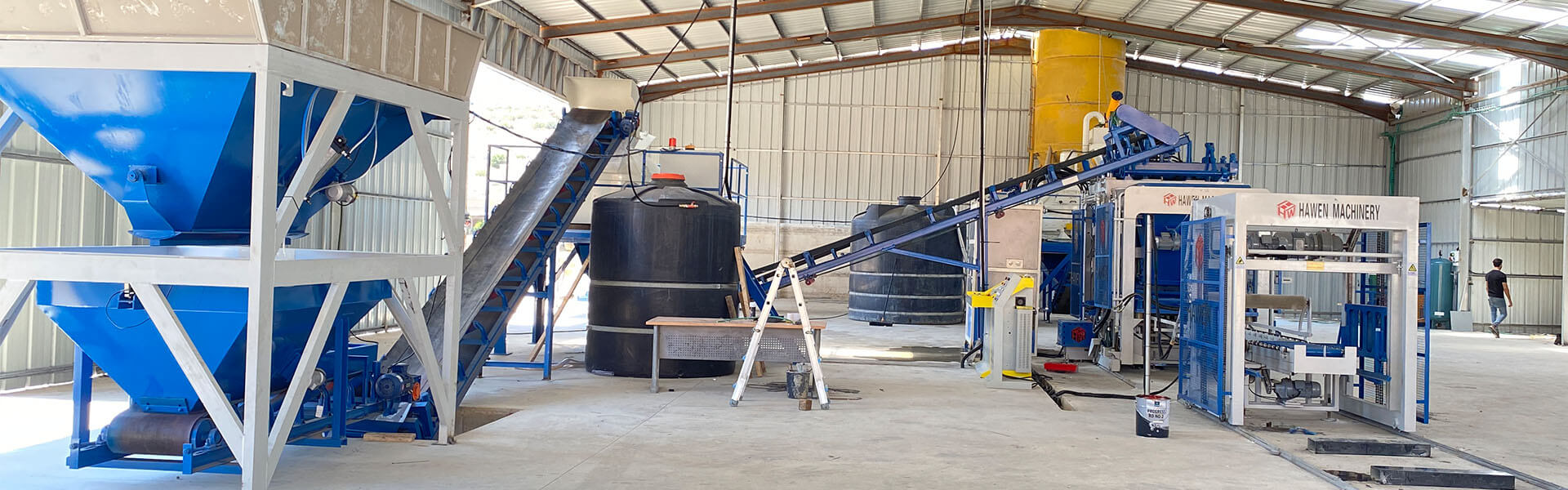
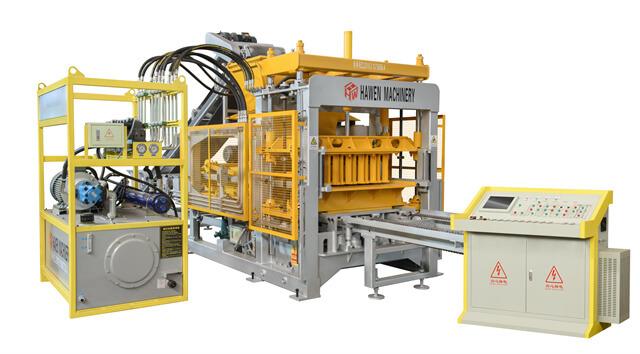
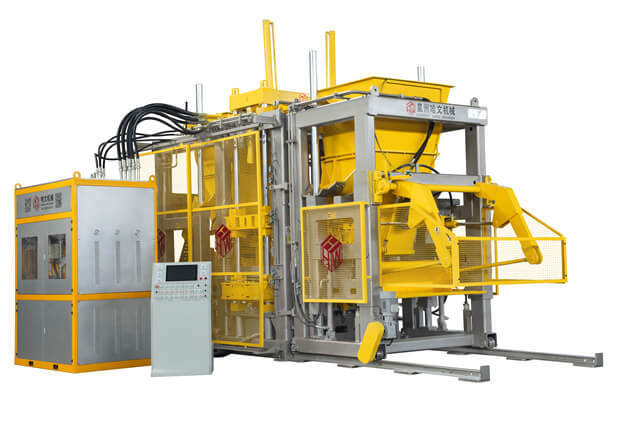
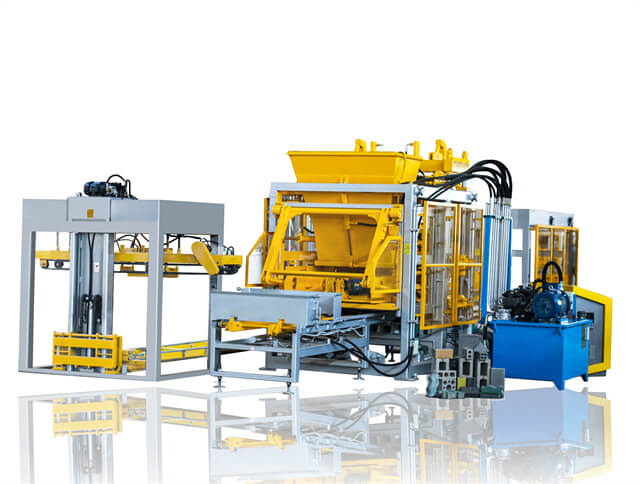
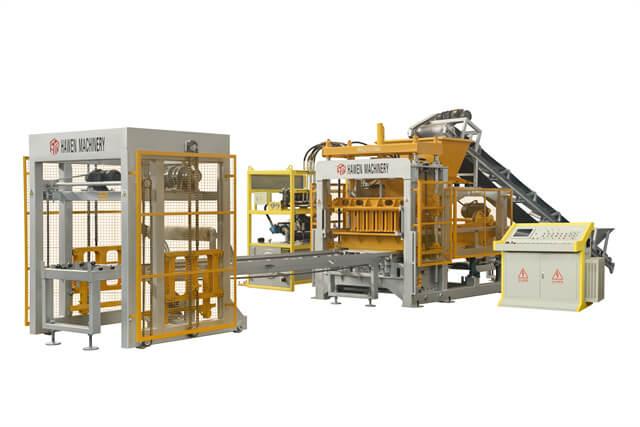
Use a small set of images that answer distinct questions. An overall view can identify the equipment arrangement, a contextual view can locate the affected assembly, and a close view can show a label or observed condition. Caption each image with the enquiry reference, subject, and relevant time or sequence. Avoid sending many similar close-ups without explaining where they were taken.
For a video recorded during permitted normal operation, explain which part of the sequence should be reviewed. Identify the product and the point in the clip where the reported condition is visible. Include enough context to distinguish material arrival, forming, pallet transfer, or downstream handling. A short referenced clip can be more useful than a long recording with no stated observation.
Capture information from authorized positions and follow the site's procedures. The need for a video does not justify removing guards, reaching into machinery, or staging a fault. If the useful observation requires an authorized service check, explain that requirement and arrange it with the responsible personnel. The evidence package should describe the situation without creating a new intervention.
Before sharing images or exported files, check that they contain the information intended for the service enquiry. Keep login credentials and unrelated sensitive records out of the package. Preserve original files and identify any annotated or shortened versions so the recipient understands what has been changed for explanation.
| Information group | Useful evidence | Question it answers |
|---|
| Equipment context | Machine reference, affected assembly, product, and tooling identity. | Which installed configuration is involved? |
| Event timeline | Last normal operation, observed interruption, actions taken, and current status. | What happened first and what changed afterward? |
| Alarm information | Exact message, available sequence, and whether the entry is current or historical. | What did the control interface actually report? |
| Production condition | Relevant recipe and lot records, defect position, inspection stage, and disposition. | Under which production and handling conditions was the issue observed? |
| Referenced media | Overall view, component context, close detail, and an authorized clip where useful. | Where is the reported condition and what should the reviewer examine? |
Agree the Support Scope and Record the Next Action
Ask the supplier what the next support step requires: further information, an authorized site inspection, a scheduled remote session, or an on-site visit. The appropriate response depends on the reported condition and the supplied equipment. Agree who will be present at the plant and who can authorize the relevant work. An information exchange alone does not establish that a repair or restart has been approved.
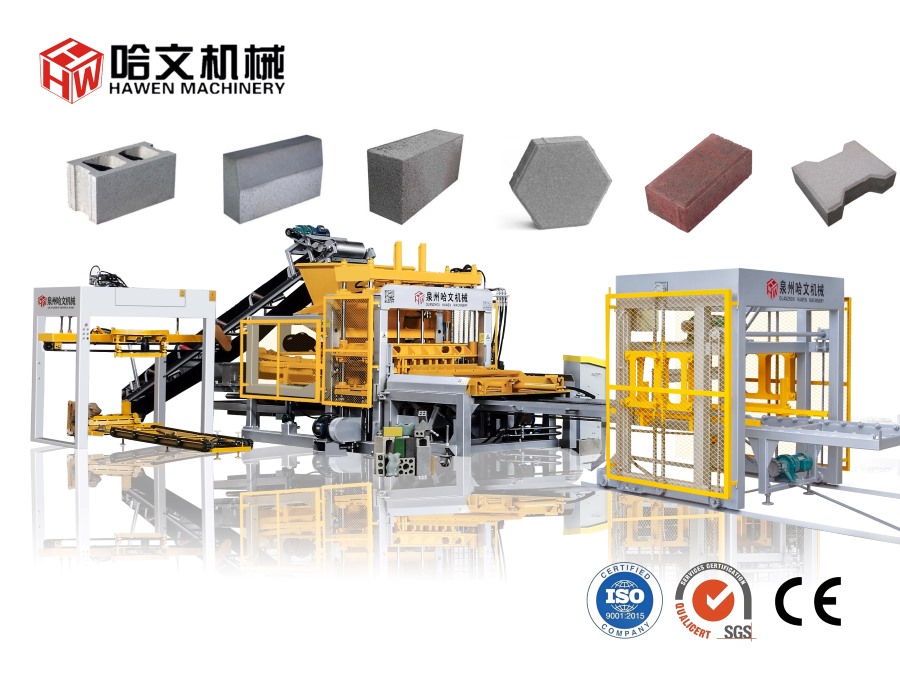
When evaluating a HAWEN automatic concrete block and paver production line, discuss how technical support requests are identified and followed up for the quoted configuration. Confirm the available support arrangements, required site information, and the role of qualified local personnel. Keep those details connected with the project rather than assuming a generic service description covers every situation.
Record the enquiry reference, evidence version, agreed action, responsible person, and observed outcome. If additional information is supplied later, identify what is new instead of replacing the earlier report without explanation. A useful support-review check is whether a colleague can read the record and understand the current status without reconstructing several unconnected messages.
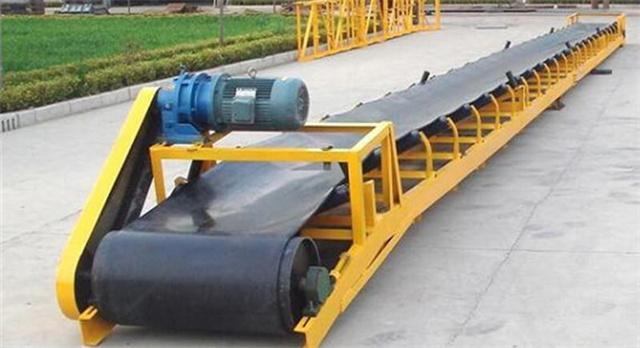
A contextual image helps distinguish a forming-machine report from a condition involving material transfer or another line stage.
FAQ
Is the machine model enough for a technical support request?
Provide the model together with available machine or project references and the affected assembly. The actual supplied configuration may be important to the review.
Should the report include a suspected cause?
It can, but label it as a suspicion and keep it separate from confirmed observations or inspection findings.
What if the alarm has already disappeared?
Record the available message or history, explain that it is no longer active, and describe the current status and any action taken.
Does every enquiry need a video?
No. Use media that clarifies the reported condition and can be obtained through authorized observation. Clear records and photographs may be more appropriate in some situations.
What if the plant cannot reproduce the condition?
Describe the occurrences already observed and retain the available evidence. Agree any further checks with the responsible team instead of recreating an abnormal situation for the camera.
Conclusion
A useful technical support request connects the actual equipment with a clear event sequence, preserved alarm information, relevant production records, and media that shows the reported condition in context. Identify uncertainty openly and keep the present machine and product status visible.
Before sending a request or arranging the next support step, check whether another qualified colleague can understand the equipment involved, the observation, and the action already taken from the same record. Then agree the required follow-up with the supplier. That preparation gives the service discussion a clearer starting point and keeps decisions connected with traceable evidence.





 Tel: +86-13905968794
 Email: export@hwmachines.com
 MP/WhatsApp: +86-13905968794
 Manufacturer Address:Nanan,Quanzhou City,Fujian Province,China